Manage Employee Reimbursements Without the Paperwork
Let employees submit work-related expenses and help managers review, approve, and track reimbursements from one place.
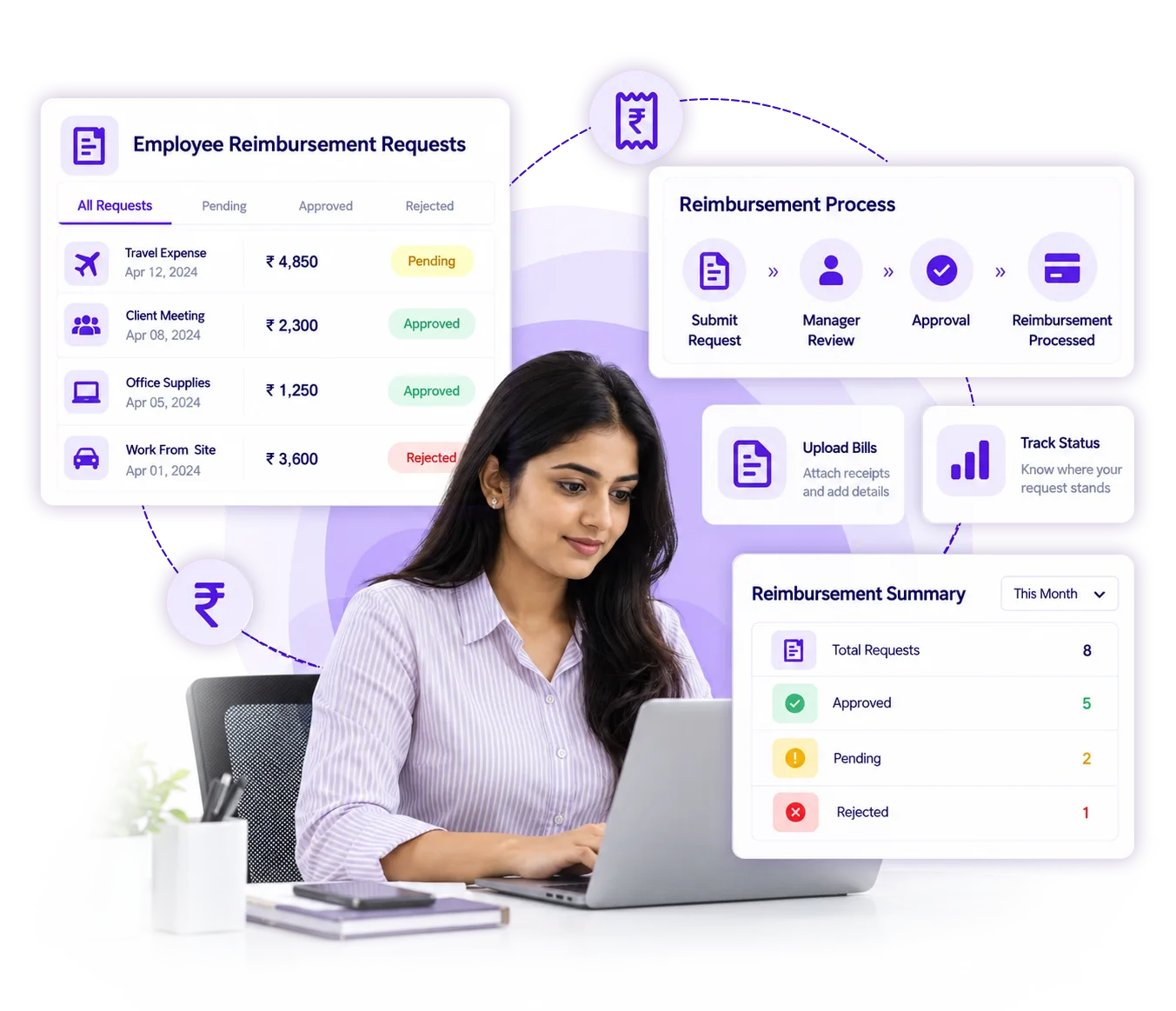
Keep Every Employee Expense Organized
AttinSync keeps employee expenses organized from submission to approval and reimbursement. Give employees a simple way to submit expenses while managers stay in control.
Easy Expense Submission
Employees can submit work-related expenses with the required details from their device.
Receipt Management
Attach receipts and supporting documents to keep every expense request complete.
Approval Management
Managers can review submitted expenses and approve or reject requests from one place.
Expense Categories
Organize expenses by travel, fuel, meals, accommodation, and other business expen
Reimbursement Tracking
Track submitted, pending, approved, rejected, and paid reimbursement requests.
Payroll Connection
Keep approved reimbursement information connected with employee payroll records.
From Expense to Reimbursement in 3 Simple Steps
Keep the complete reimbursement process organized from employee submission to final payment.
Submit Expense
Employees enter the expense amount, category, date, and description.
Attach Receipt
Add receipts or supporting documents to complete the reimbursement request.
Review & Approve
Managers review submitted expenses and approve or reject requests.
Why Manual Reimbursements Create Extra Work
Paper receipts, spreadsheets, and manual approvals can make employee reimbursements difficult to track. AttinSync keeps the process organized in one place.
Missing Receipts
Scattered receipts and documents can make expense records difficult to maintain.
Delayed Approvals
Manual approval processes can leave reimbursement requests pending for days.
Unclear Status
Employees may not know whether an expense is pending, approved, rejected, or paid.
Everything You Need to Manage Employee Expenses
Keep employee expense submissions, approvals, receipts, and reimbursement records organized.
Employee Expense Submission
Give employees a simple way to submit business expenses with all required details.
- Expense category
- Amount and date
- Description
- Receipt attachment
Approval & Review
Give managers a clear process for reviewing and handling employee reimbursement requests.
- Review expense details
- Check receipts
- Approve requests
- Reject requests
Reimbursement Tracking
Get a clear view of reimbursement requests throughout the complete approval process.
- Pending expenses
- Approved expenses
- Rejected expenses
- Paid reimbursements
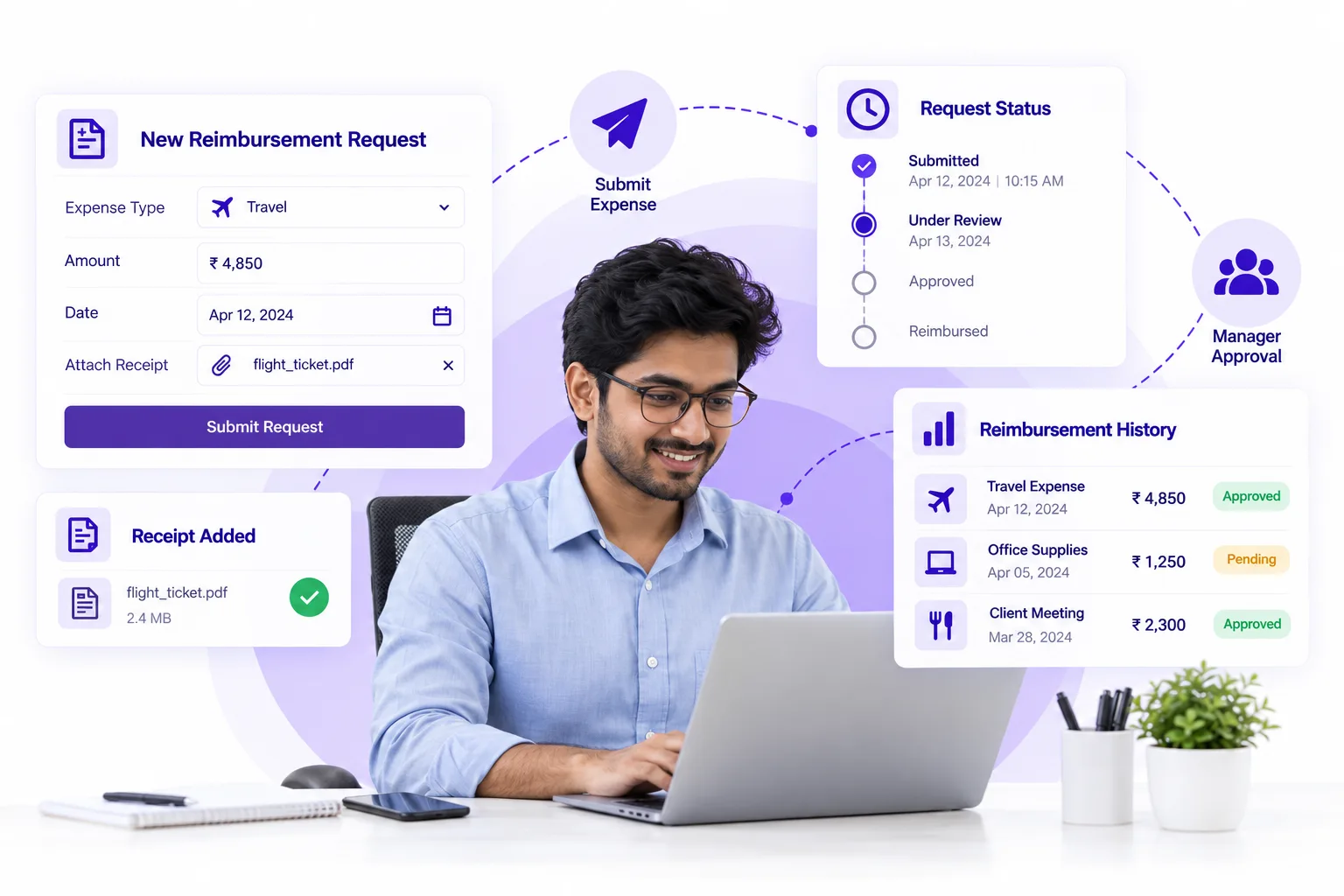
Make Expense Submission Simple for Employees
Employees can submit reimbursement requests without spreadsheets or paperwork. Add expense details, attach a receipt, and send the request for approval.
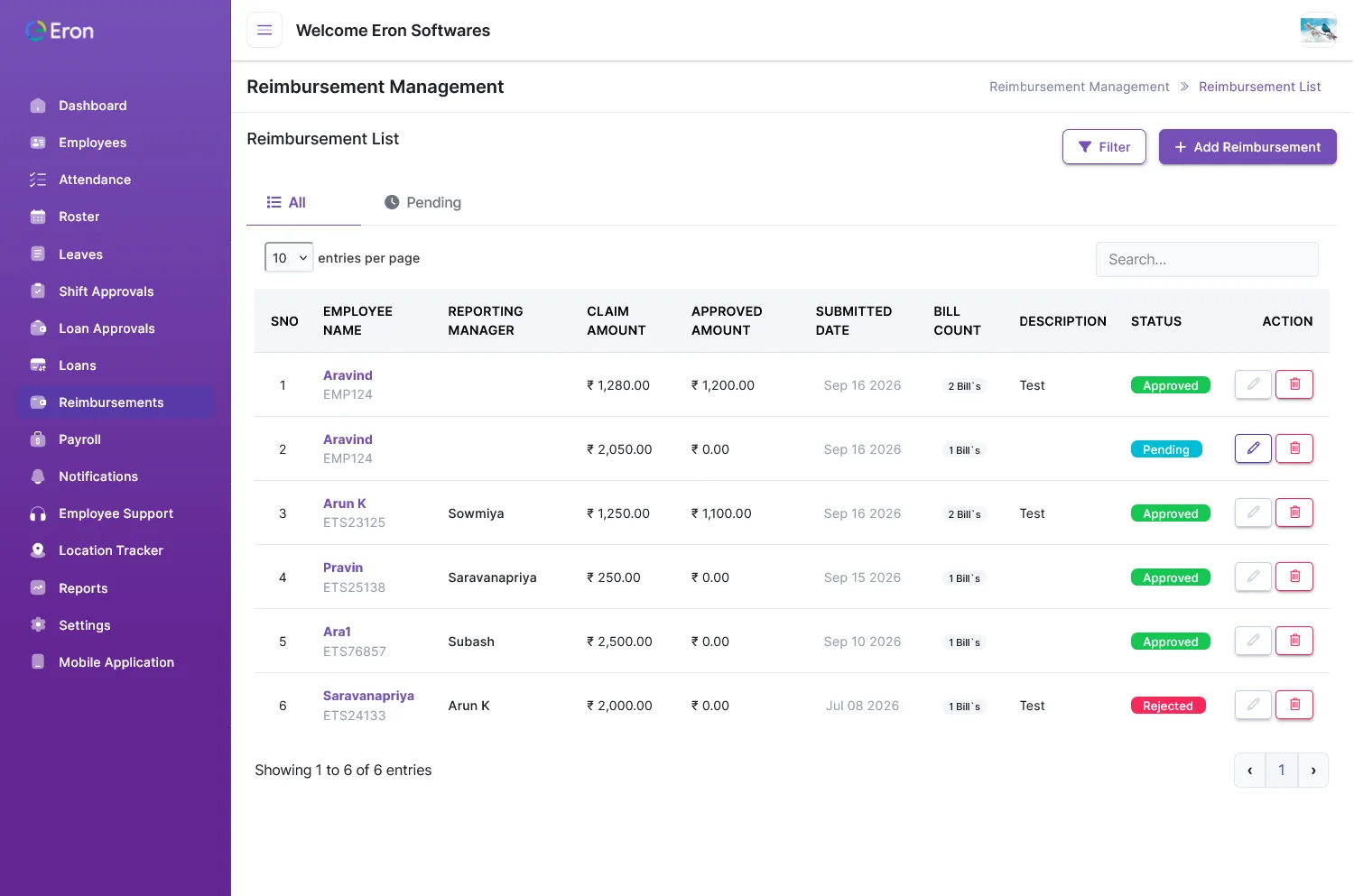
Get a Clear View of Every Reimbursement
Monitor reimbursement activity and understand where every employee expense stands.
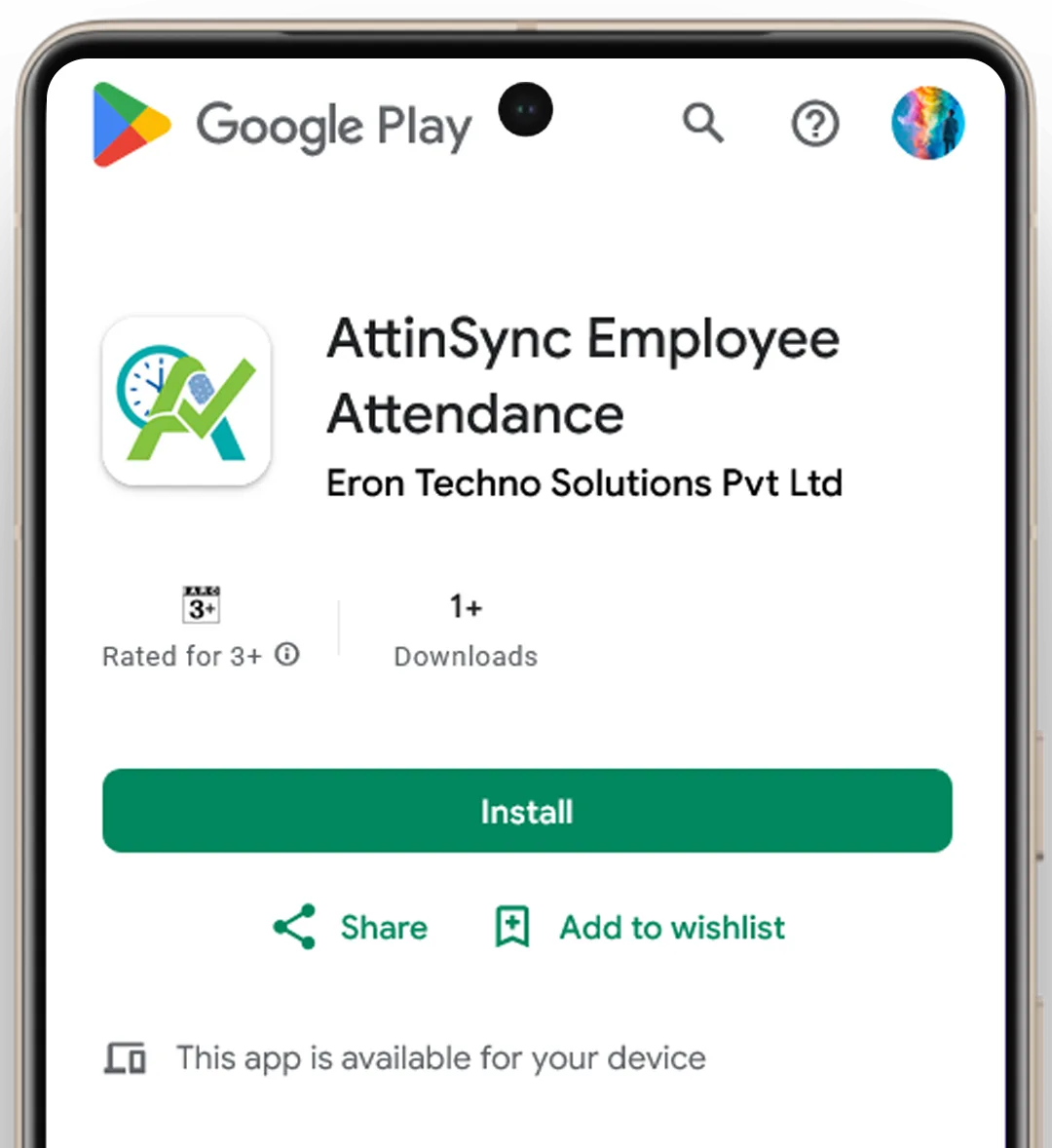
Submit Expenses From Anywhere
Give employees a simple way to submit expenses, upload receipts, and track reimbursement requests directly from their mobile device.
Built for Smoother Employee Expense Management
Give HR teams better visibility while making expense submission and reimbursement easier for employees.
Employee Visibility
Let employees track their reimbursement requests and payment status.
Faster Approvals
Give managers a clear way to review and process expense requests.
Better Expense Records
Keep receipts and expense information together with each request.
Clear Status Tracking
Know where every reimbursement request stands throughout the process.
Less Manual Work
Reduce spreadsheets and repetitive expense entry.
Trusted by Businesses That Put Their People First
See how businesses use Attinsync to simplify employee attendance, manage shifts, streamline payroll, and take control of their workforce.
Have any questions? here some answers
Find quick answers about employee expenses, reimbursement requests, receipts, approvals, and payment tracking with Attinsync.
Attinsync helps businesses manage employee expenses from submission to reimbursement. Employees can submit expenses, attach receipts, and track requests while managers can review, approve, reject, and monitor reimbursement records from one place.
Yes. Employees can create reimbursement requests by entering expense details such as the amount, date, category, and description. They can also attach receipts and supporting documents with the request.
Yes. Employees can attach receipts and supporting documents to their reimbursement requests. This keeps expense details and related documents together for easier review and record keeping.
Yes. Managers can review submitted expense details and supporting receipts before approving or rejecting reimbursement requests. This provides a clear process for handling employee expenses.
Yes. Employees can track their reimbursement requests and view their expense history. Requests can be monitored through stages such as submitted, pending approval, approved, rejected, and paid.